A minor on-site issue can have major consequences if no one reports it. Whether for a workplace injury, property damage or near miss, a rigorous report gives your business the facts it needs to respond fast, prevent future accidents and comply with regulations.
Unfortunately, many businesses still struggle to keep incident reporting accurate and consistent, which can make safety gaps harder to flag and fix.
Here, we explain how to report a workplace incident, including best practices and FAQs. Plus, discover how the right software can make the entire process faster, clearer and easier to manage.
What is an incident report?
An incident report is a clear, factual record of an event at work that has harmed or put people at risk of harm. This can include an injury, fatality, near miss, equipment damage, property damage, or any other workplace safety concern.
An effective incident report explains what happened, where it happened, when it happened, who was involved and what action was taken straight away. Key details include:
- The date and time of the incident
- The exact location
- Details of the people involved
- Witness names and contact details
- A clear description of what happened
- Any injuries, damage or hazards identified
- Photos, videos, diagrams or supporting evidence
- Immediate actions taken
- Follow-up actions or corrective measures
This information helps businesses understand what went wrong and what needs to change. By recording and reviewing each incident, organisations can support Work Health & Safety (WHS) compliance, internal investigations, insurance claims, and overall risk management.
The incident reporting process explained
Every workplace incident should be reported as soon as it’s safe to do so. A structured process will help your business protect its people, capture accurate details, investigate the cause and take action before the same risk leads to further harm.
While exact actions depend on the specific situation at hand, here are the general steps to follow.
1. Get people out of harm’s way
Start by protecting people from further harm. Stop work if needed, isolate equipment, provide first aid and control the hazard if it is safe to do so.
The aim is to reduce immediate risk before anything else happens. For serious incidents, the site may also need to be left undisturbed until the right person, supervisor or WHS regulator gives further direction.
2. Submit a report
Report the incident, accident, hazard or near miss as soon as possible. The sooner it’s logged, the easier it is to capture accurate details and get the right people involved.
Each report should include the date, time, location, people involved, witness information, incident type and a detailed description of what happened. Add photos, notes, diagrams or other evidence where relevant.
3. Investigate the incident
Once the report is submitted, your business should review the details and look at what contributed to the incident. This could include speaking with witnesses, checking equipment, reviewing site conditions and looking at training, procedures or supervision.
Remember, the goal is to understand the cause, not point fingers. A thorough investigation helps pinpoint what needs to change to prevent future incidents.
4. Assign corrective actions
A report should always lead to an impactful next step.
Once the issue is fully understood, you can assign follow-up safety measures to the right person, add a due date and make sure someone checks that each action has been completed.
5. Track actions through to completion
Recording an issue isn’t enough if the same hazard stays in place. That’s why corrective actions should be monitored until they’re completed.
Every action should be practical, trackable and tied to the risk identified in the report. Transparent tracking shows what’s open, who’s responsible and what progress has been made.
This helps managers close the loop and gives workers confidence that reported issues are taken seriously.
6. Analyse incident reports
Incident reports should be reviewed regularly to detect repeat issues, common hazards and higher-risk areas. One report may show a single event. Several reports can show a pattern.
By analysing data across teams, sites, equipment and work processes, your business can build a stronger safety culture. This helps prevent recurring problems, improve controls and act before small issues become serious incidents.
7 tips for smooth incident management
Your incident reporting process should make it easy to capture what’s happened, respond with suitable actions and monitor each issue through to its resolution.
These best practices can help your business do just that.
Set a clear reporting process
Incident reporting only works when people know what to report, when to report it and how to do it properly.
Workers should understand which events need to be logged, from injuries and near misses to hazards, equipment damage and property damage. They should also know the practical steps: who to notify, how soon the report needs to be completed, what details to include and who reviews it.
Training helps make this part of everyday work, instead of something people hesitate over when an incident happens.
When reporting is simple, and workers feel confident using it, incidents can be captured sooner and with better detail. That gives the right people time to respond, control the risk and follow up without blame or confusion.
Keep communication open
Workers, supervisors and managers need to be able to raise issues quickly and easily. If people know where to report a concern, who will review it and what happens next, they’re more likely to speak up early.
Trust matters here. Workers need to know their reports will be taken seriously, not treated as an inconvenience or used to place blame.
Store all incident reports in one place
Keep incident reports in a secure, centralised system so they can be reviewed, updated and found whenever needed.
This helps teams avoid lost paperwork, duplicate records and gaps in reporting.
It also makes it easier to track trends across sites, teams, equipment and hazard types.
Use reporting tools to improve visibility
Incident reporting software helps teams manage reports, approvals, actions and trends from one place. It’s especially useful for businesses with multiple sites, field teams or higher-risk operations.
With the right software, managers can see what needs attention, respond sooner and make safety decisions based on current information instead of outdated paperwork.
Why immediate reporting is key to health and safety
More reliable information for your investigation
The sooner an incident is reported, the easier it is to understand what happened.
After all, details disappear quickly after an incident. Equipment might be moved, areas are cleaned up, and witnesses can forget what they saw.
Reporting the incident straight away helps capture photos, notes, witness accounts, site conditions and equipment details while the information is still front of mind.
This gives your business a clearer record to work from, making investigations more accurate and follow-up actions more effective.
Quicker access to medical treatment
Timely reporting helps injured workers get the right support as soon as possible. Even if an injury seems minor, it should still be recorded so the business can arrange first aid, medical assessment or follow-up care if needed.
This early action can help prevent the injury from getting worse and support a smoother return to work. It also shows workers that their safety is a priority, which helps to foster trust in your business.
Stronger legal compliance
In Australia, serious workplace incidents must be reported to the relevant WHS regulator as soon as the business becomes aware.
With every hour that passes, you risk missing details, incomplete records and compliance issues.
On the other hand, prompt reporting helps your business notify the right people on time with accurate information.
Proactive safety measures
Reporting near misses and small safety issues early gives managers a clearer view of hazards before they lead to injury, damage or downtime.
Instead of only reacting after something serious happens, teams can make informed safety improvements earlier and prevent problems from arising in the first place.
Reduced costs and downtime
Poor incident reporting can make workplace issues more expensive to manage. If risks are missed or reports are incomplete, businesses may face repeat incidents, lost productivity, equipment downtime, insurance complications or longer investigations.
Immediate reporting helps your business take cost-effective action sooner. It shares the insights needed to fix hazards, improve controls and minimise the operational impact of workplace accidents.
FAQs
You should always report a workplace incident. This record gives your business the information required to identify and manage risks, so everyone can stay safe on-site.
Over time, incident reporting helps teams to:
- Identify hazards before they cause serious harm
- Understand the root cause of an incident
- Spot repeat issues across teams, sites or equipment
- Comply with WHS notification duties
- Track safety performance
- Improve training, safety protocols and risk controls
- Support insurance and audit records with a rigorous incident log
- Create a workplace where people feel safe to speak up
Remember that every incident report adds value. Even a near-miss minor injury can point to a larger problem in the way work is planned, managed or completed.
When teams report every event quickly, managers can investigate the cause, take corrective action and improve safety controls before the danger escalates.
Any workplace incident that has caused or could cause injury, illness, death or damage should be reported. This includes:
- Adverse events: Any unplanned incident that causes harm or raises a safety concern should be reported and reviewed.
- Near misses: A near miss is any event that could have caused harm but didn’t because of the specific circumstances. For instance, a falling object narrowly missing someone because they jumped out of the way. These reports help identify risks before they have consequences.
- Safety hazards: Dangerous working conditions should be reported, including exposed wiring, poor lighting, and blocked exits.
- Equipment malfunctions: Faulty or unreliable machinery needs to be reported, even if no one gets hurt. A machine that stops unexpectedly, behaves abnormally or shows signs of failure can be a serious safety risk.
- Security incidents: Unauthorised access, theft, data breaches, vandalism, threats or misuse of confidential information should be reported so the business can protect its people, systems and assets.
- Environmental incidents: Chemical spills, leaks, contamination, uncontrolled waste or other environmental risks must be reported quickly so the issue can be contained, cleaned up and reviewed.
- Serious incidents: From fires to structural collapse, any serious events that expose people to instant or serious risk should be reported right away.
The Person Conducting a Business or Undertaking (PCBU) is officially responsible for notifying the relevant WHS regulator when a notifiable incident occurs.
That said, workers also need to report accidents, near misses, hazards and safety violations to their supervisor or safety team. From there, managers can make sure the incident is recorded, investigated and followed up properly.
At the end of the day, incident reporting works best when everyone speaks up. The legal duty might sit with the PCBU, but workers, supervisors and managers all help make sure incidents are recorded, and action is taken before history repeats itself.
An incident should be reported as soon as possible after it happens. This helps your business respond quickly, make the area safe, support anyone who has been harmed and capture accurate details while they’re still fresh.
Many businesses set internal reporting timeframes, like notifying a supervisor straight away and completing a formal incident report within 24 hours.
Additionally, Safe Work Australia states that PCBUs must notify their WHS regulator immediately after becoming aware of workplace deaths, serious work-related injuries or illnesses, and dangerous incidents.
An incident report is used to detail what happened, who was involved and which steps need to be taken next. To do this, it should include the following:
- Date, time and location: Record exactly when and where the incident happened.
- Incident type: For example, near miss, injury, illness, property damage, equipment damage, hazard or security issue.
- Incident description: Explain what happened in plain, factual language. Avoid blame, opinions or assumptions.
- People involved: Include workers, contractors, visitors or any other people affected by the incident.
- Witness details: Add names and contact details for anyone who saw what happened.
- Contributing factors: Identify any hazards, process gaps, training issues or site conditions that may have played a role.
- Consequences of the incident: Record any injuries, illnesses, equipment faults, property damage or environmental impacts.
- Supporting evidence: Attach photos, videos, diagrams, documents or any other evidence that helps explain the incident.
- Immediate actions taken: Note what was done straight away, such as first aid, isolating equipment or making the area safe.
- Corrective actions: List what needs to change, who is responsible and when the action should be completed.
This information should be clear, factual and detailed enough to support an investigation, insurance record, audit or WHS review.
When workplace incidents go unreported, your business misses the chance to fix the hazard before it causes further harm, equipment damage or disruption.
Poor reporting can also leave gaps in insurance, audit and WHS records. In Australia, a PCBU must notify the relevant WHS regulator as soon as they become aware of a notifiable incident, whether it’s a workplace death, serious injury or illness, or a dangerous incident. Failing to report a notifiable incident can lead to significant penalties.
The most common workplace incident reporting mistakes are:
Leaving out key facts: Missing the date, time, location, people involved or a clear description of the incident.
Adding opinions or blame: Stick to what happened, what was seen and what was reported.
Waiting too long: Delays can affect evidence, witness accuracy and the speed of the response.
Ignoring near misses: Near misses often reveal risks before they cause injury or damage.
Forgetting evidence: Photos, videos, diagrams and witness statements can add important context.
Leaving actions unclear: Corrective actions should have an owner, a due date and a clear next step.
Failing to check completion: If no one confirms the action is done, the risk may still be there.
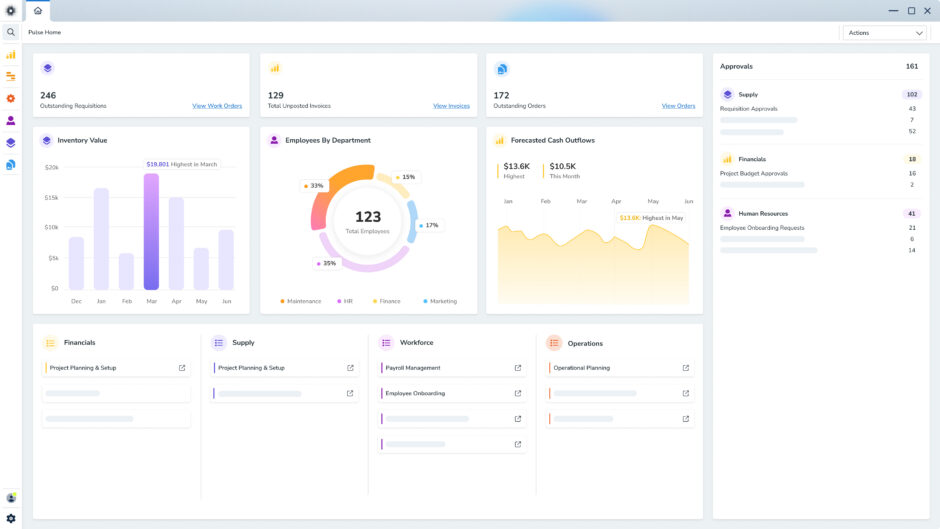
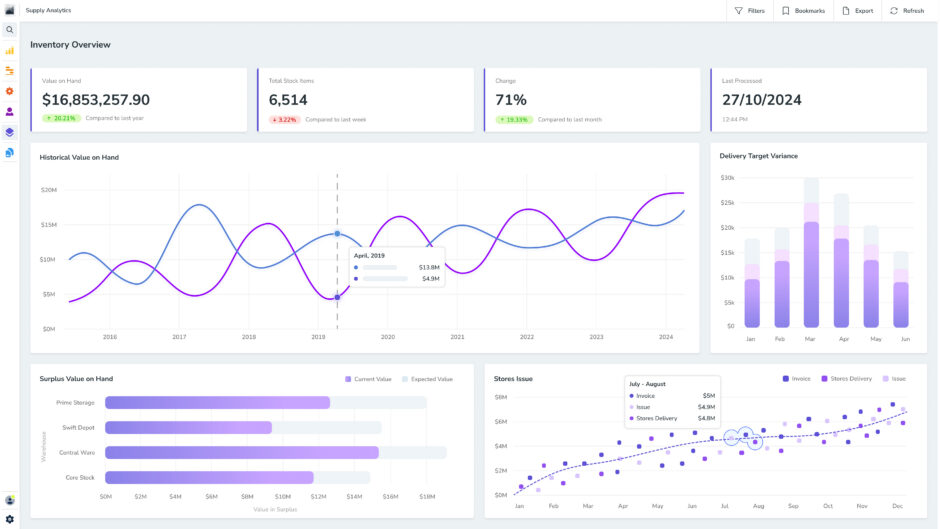
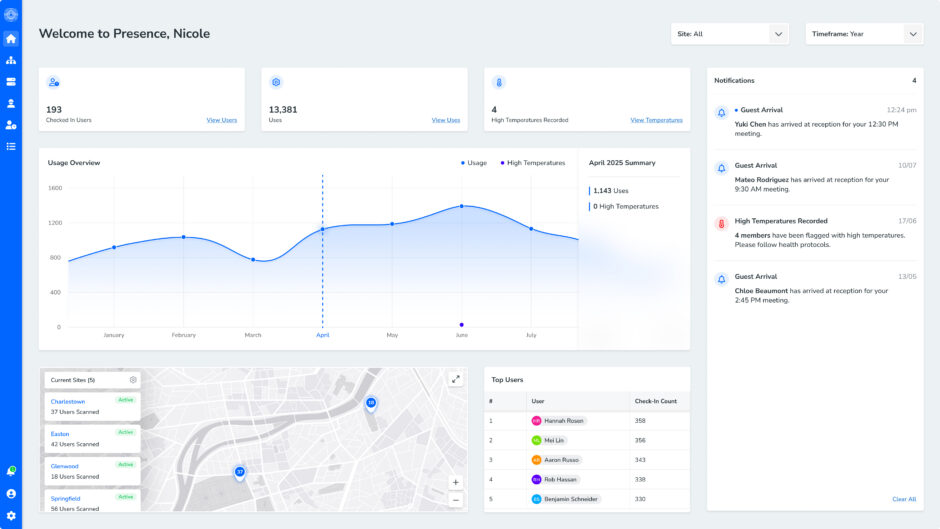
Digital solutions like Pulse Workforce help businesses record, manage and follow up on incidents quickly in one convenient, centralised system. Teams can log, track and address incidents without relying on paperwork or scattered spreadsheets.
Here’s why it pays to report incidents with Pulse:
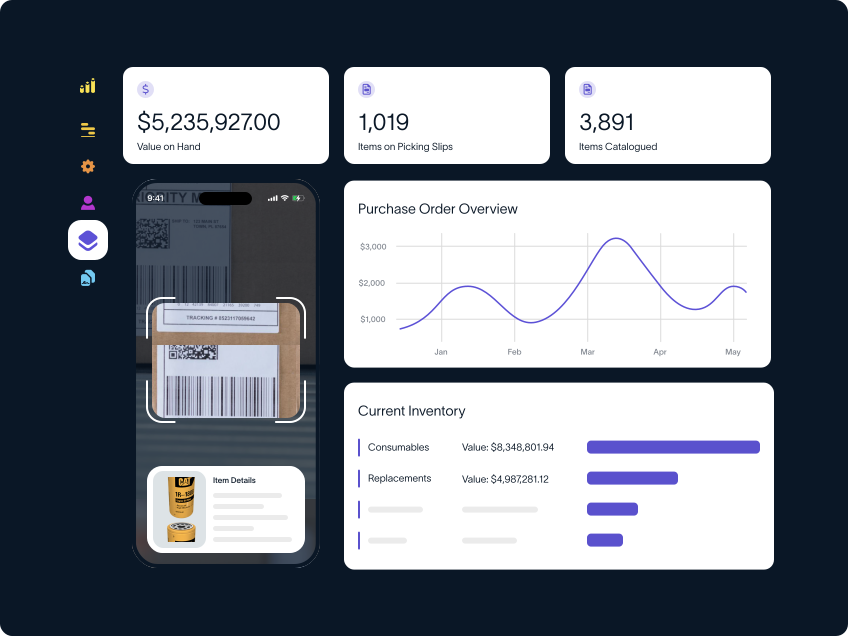
- Easy field reporting: Employees can report incidents, capture photos, and add notes on the spot with the Pulse Mobile app.
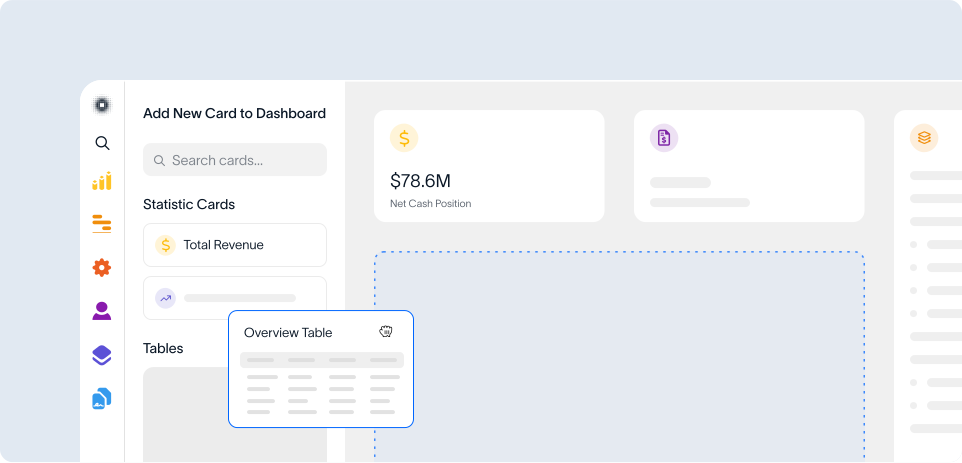
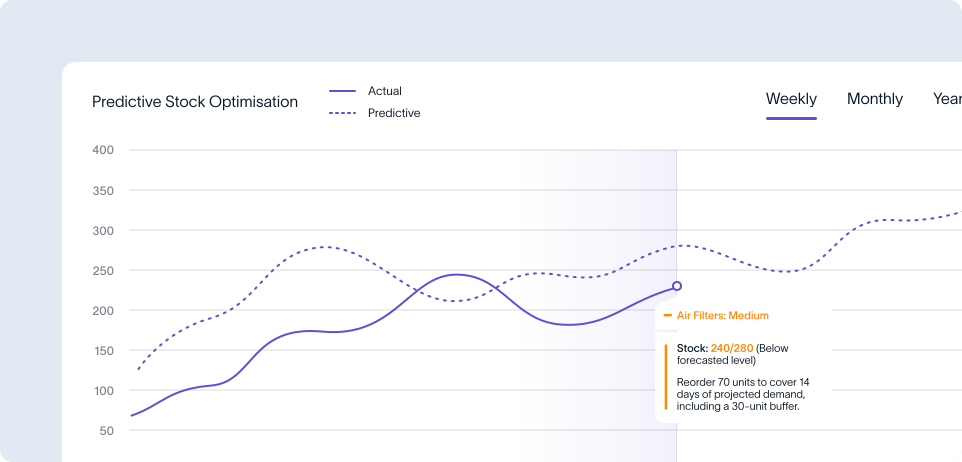
- Real-time visibility: Interactive dashboards, live data and ad hoc reporting give managers a clear view of incidents across the business.
- Less manual admin: Incidents can be reviewed and approved via automated workflows that match internal policies and WHS requirements.
- Greater consistency: Businesses managing multiple sites, teams or operational risks can keep incident reporting standardised and streamlined.
- Reliable record keeping: Centralised records make it simple to review past incidents, monitor trends and support compliance requirements.
- Faster responses: Decision-makers can see what needs attention and act before minor hazards become major problems.
Streamline incident reporting with Pulse Workforce
Incident reporting is central to your business’s risk management strategy. It helps protect workers, support legal obligations and give managers better visibility and control over hazards.
Make these vital reports faster, easier and more reliable with Pulse Workforce. Featuring built-in reporting functionality, the Pulse Mobile app empowers employees to share information anytime, anywhere.
From there, managers can review events in real time, monitor corrective actions and identify trends for data-driven decision making.
With interactive dashboards and automated workflows, Pulse is shaped around your internal policies, approval steps and WHS requirements.
Request a free demo to discover how Pulse Workforce can support safety and compliance.