Every business tracks its money in two places: the general ledger, which records transactions in your accounting system, and the bank statement, which shows what the bank has processed. These balances should be the same, yet timing delays, bank fees, missed entries, and uncleared payments can all cause discrepancies.
That’s where bank reconciliation comes in. This process compares internal records with your bank statement to confirm that balances align. By checking the numbers regularly, businesses can spot potential errors or fraud early, monitor cash flow, and maintain accurate reports.
In this guide, we’ll explain what bank reconciliation is, why it matters, and how it works step by step. Plus, learn about common reconciliation mistakes and how modern accounting software is making this routine task faster, easier, and far more reliable.
What is bank reconciliation?
Bank reconciliation is the process of comparing your business bank statement with your internal accounting records to make sure the balances match.
Essentially, it acts as a financial accuracy check. By reviewing both records side by side, businesses confirm that every payment, deposit, and bank charge has been recorded correctly.
During the reconciliation process, you identify and explain differences between the two balances, whether due to bookkeeping mistakes, fraudulent activities, or unrecorded transactions.
Once these items are accounted for, the adjusted bank balance and the adjusted book balance should be the same.
Why is bank reconciliation important?
Bank reconciliation plays a critical role in maintaining accurate financial records and managing business cash flow.
By regularly comparing your bank statements with your accounting records, you can confirm that your balances are correct, identify discrepancies early, and ensure your financial data reflects the true position of your business.
Let’s take a closer look at the benefits of bank reconciliation:
Makes month-end and year-end reporting easier
Keeping your bank accounts reconciled throughout the year makes financial reporting much smoother.
Instead of reviewing months of financial transactions at the last minute, your records are already organised and verified. This makes it simpler to prepare financial statements, complete tax reporting, and finalise end-of-year accounts.
Regular bank reconciliation also reduces stress during busy reporting periods and helps ensure your financial information is ready when you need it.
Gives a clear view of your cash flow
One of the biggest benefits of bank reconciliation is clearer visibility for better cash flow management. It shows exactly how much money is coming into your business and how much is going out.
Without bank reconciliation, it’s easy to assume your balance is higher or lower than it actually is. That can lead to poor decisions, such as paying suppliers too early or delaying important investments.
By reconciling your accounts regularly, you always have a reliable picture of your available cash. This helps you plan expenses, manage payments, and make confident financial decisions.
Helps detect fraud or suspicious activity
Regular bank reconciliation acts as a warning system for unusual transactions.
By comparing every transaction in your books with your bank statement, it becomes much easier to spot anything that does not belong. For example, a payment that doesn’t match the recorded amount or a withdrawal that was never authorised.
Catching these issues early allows businesses to investigate quickly and take action before the problem becomes more serious.
Improves Accounts Receivable management
Bank reconciliation helps businesses track incoming payments from customers. If an expected payment does not appear in your bank account, reconciliation highlights the difference so you can follow up.
This might reveal unpaid invoices, delayed transfers, or incorrect payment amounts. Identifying these issues early helps businesses collect outstanding invoices faster and maintain a healthy cash flow.
Supports regulatory compliance
Accurate financial records are essential for tax reporting and financial compliance in Australia. Businesses that reconcile regularly are far better prepared when financial information needs to be reviewed or verified.
That’s because bank reconciliations create a clear record showing your accounts have been reviewed and verified. This documentation is important when preparing tax returns, responding to financial reviews, or undergoing an audit.
Builds confidence for investors and stakeholders
Reliable financial information is critical for anyone making decisions about a business. Investors, lenders, and company directors rely on accurate cash balances when assessing financial performance or planning future growth.
Regular reconciliation demonstrates strong financial management and shows that the numbers reported in financial statements are based on verified bank data rather than assumptions.
Helps catch mistakes early
Even the most careful accounting processes can include occasional errors. A number might be entered incorrectly, a payment might be duplicated, or a transaction might be posted to the wrong account. Banks can also make processing mistakes from time to time.
Bank reconciliation helps identify these problems quickly so they can be fixed before they affect financial reports or carry over into the next reporting period.
Strengthens financial control and reduces risk
At its core, bank reconciliation is about oversight. It ensures every bank transaction is accounted for and nothing slips through unnoticed.
By reviewing your bank activity against your records on a regular basis, you create an additional layer of financial control. This reduces the risk of fraud, accounting mistakes, and unauthorised activity.
In turn, you can enjoy peace of mind that financial records are accurate and your cash position is fully understood.
How to make a bank reconciliation in 6 steps
1. Compare the bank balance with your accounting records
Start by placing your bank statement and your accounting records side by side. Compare the closing balance shown on the bank statement with the cash balance recorded in your books.
In most cases, the two balances will not match straight away. This is normal. The difference usually comes from transactions that have not yet been recorded or processed.
At this stage, the goal is simply to identify the difference between the two balances before investigating the reasons behind it.
2. Review the bank statement carefully
Next, scan through your bank statement and look for transactions that don’t yet appear in your accounting records.
These tend to include:
- Bank service fees
- Interest earned or interest charges
- Direct debit payments
- Bank transfers or transaction fees
Because these transactions are recorded by the bank automatically, they may not yet exist in your accounting system.
Make a note of any items that are missing from your books so they can be recorded later.
3. Review your cash book or accounting records
After reviewing bank records, it’s time to analyse your own records. Look for transactions that appear in your books but haven’t yet shown up on the bank statement.
Common examples include:
- Outstanding cheques that have not yet cleared
- Deposits in transit that the bank has not processed yet
- Payments or deposits recorded close to the statement date
These items are known as reconciling items because they explain why the two balances differ. Create a list of them so that they can be accounted for in the reconciliation.
4. Adjust your bank account balance
Once you’ve identified transactions recorded in your books but not yet processed by the bank, update the bank balance to reflect them.
These bank reconciliation adjustments show what the balance will look like once those transactions have cleared.
5. Adjust the balance in your books
Next, update your company’s accounting records to include transactions that appear on the bank statement but were missing from your books.
Typical adjustments include:
- Recording bank fees
- Recording interest income
- Entering direct debit payments or bank transfers
Once these entries are added to your accounting system, the balance in your books should move closer to the adjusted bank balance.
6. Record the reconciliation
The final step is to record the reconciliation so there is a clear record of how the balances were verified. Maintaining thorough documentation creates a clear audit trail and shows that financial controls are working as intended.
Proper documentation should include details like:
- The reconciliation date and reporting period
- The starting bank balance and book balance
- A list of reconciling items and adjustments
- Notes explaining unusual or significant differences
- The name of the person who prepared the reconciliation
- The name of the person who reviewed and approved it
To cover all of this information, many businesses prepare a bank reconciliation statement, which lists every adjustment and explains why the balances differ.
This detailed record helps accountants, auditors, and business owners understand exactly how the final reconciled balance was reached.
Common challenges during bank reconciliation
Bank reconciliation is meant to keep your financial records accurate, but a few common issues can still cause differences between your books and your bank statement.
The good news is that most reconciliation problems are easy to understand and fix once you know what to look for.
Here are some of the most common obstacles businesses face during bank reconciliation and how to deal with them:
Timing differences
Not every difference in a reconciliation is a mistake. In many cases, it simply comes down to timing.
A transaction might appear in your accounting records before the bank processes it, or the bank may record something before it reaches your books.
For example, a deposit made late in the afternoon may be recorded in your accounts today but won’t appear on your company’s bank statement until the next business day.
These items don’t need to be corrected straight away. Instead, they should be noted during reconciliation and monitored until they clear.
To keep timing differences under control, reconcile your accounts regularly and keep track of any payments or deposits that are still outstanding.
Bank statement discrepancies
Sometimes the balance in your accounting records doesn’t match the balance shown on the bank statement. This usually happens when certain transactions have not been recorded in the business books.
Common causes include:
- Bank fees or charges not entered in the accounts
- Interest income or interest charges
- Direct debits or automatic payments
- Corrections made by the bank
Before starting a new reconciliation, it is important to confirm that the opening balance matches the closing balance from the previous reconciliation.
Then review the bank statement carefully and record any missing transactions in your accounting system. Starting with accurate opening balances makes the reconciliation process far smoother.
Duplicate entries
Duplicate transactions are another common issue, especially when businesses use both manual entry and automated bank feeds.
For example, you might record a payment manually when it occurs, and then the same transaction is imported automatically when the bank feed updates. Suddenly, the same payment appears twice.
This can inflate income or expenses and throw your reconciliation out of balance.
To avoid duplicates:
- Review imported transactions before confirming them
- Use accounting software that flags possible duplicates
- Check transactions with the same date and amount
Ultimately, taking a moment to review transactions during reconciliation can prevent a lot of confusion later.
Data entry mistakes
Simple bank reconciliation errors like typos are one of the most frustrating problems because they can be easy to miss. A small mistake like entering $1,060 instead of $1,600 is enough to cause a difference that takes time to investigate.
Common data entry mistakes include:
- Entering the wrong amount
- Mixing up numbers
- Recording the wrong date
- Forgetting to enter a transaction altogether
The best way to prevent these issues is to slow down and double-check entries, particularly for large or unusual transactions.
Many cloud accounting platforms also help by flagging unusual amounts or entries that don’t match previous patterns.
Transaction miscategorisation
Clear categories make both reconciliation and reporting much easier. Unfortunately, sometimes the amount of a transaction is correct, but it has been recorded under the wrong category or account.
For instance, an equipment purchase might accidentally be recorded as office supplies, or a customer payment might be allocated to the wrong invoice.
While this might not always affect the bank balance itself, it can cause confusion during reconciliation and distort financial reports.
To avoid this:
- Keep your chart of accounts simple and clearly labelled
- Create rules for recurring transactions
- Review unusual entries before finalising accounts
Accounting software issues
Technology is meant to simplify reconciliation, but it can occasionally create its own problems if systems aren’t configured properly.
For example:
- Bank feeds may fail to import transactions
- Integrations between systems may stop syncing
- Transactions may be posted to the wrong account
- Updates may cause temporary data issues
Checking your bank feed connections regularly and reviewing imported transactions helps prevent these issues from creating bigger problems.
Missing or unclear documentation
Reconciliation becomes much harder when transactions don’t have supporting documents. Without detailed receipts, invoices, or clear notes, it’s difficult to confirm why a payment was made or where a deposit came from.
Common documentation issues include:
- Missing receipts
- Poor transaction descriptions
- Adjustments made without explanation
Rigorous record-keeping solves this problem. Saving digital copies of receipts and adding clear descriptions to transactions makes reconciliation far easier and helps if your records are ever reviewed or audited.
Best practices for any bank reconciliation process
A reliable bank reconciliation process is grounded in three key qualities: consistency, precision, and accountability. When these elements are in place, businesses can maintain accurate financial records, pinpoint issues early, and keep their cash position clear.
While the right approach varies depending on the size and complexity of a business, the following best practices apply to almost every organisation.
Stick to a strict schedule
Bank reconciliation only works well when you follow a consistent schedule. If reconciliations are delayed or irregular, gaps and errors can build up, and it becomes much harder to identify where discrepancies occurred.
As a general rule of thumb, you should reconcile your company’s bank accounts at least once each month to keep financial records correct and up to date. If your business handles a lot of transactions, it’s worth checking your accounts weekly or even daily.
More frequent reconciliation makes it much easier to spot mistakes, missing payments, or suspicious activity before they escalate into serious problems.
Consolidate bank accounts
Managing too many bank accounts can slow down the reconciliation process and increase the risk of oversight.
If an account has very little activity or is no longer required, consider closing it and transferring the balance to a more active account. This will help your team to streamline financial management and speed up reconciliation tasks.
Take advantage of accounting software
As your business grows, reconciling transactions manually can quickly become slow and frustrating. The more payments, deposits, and transfers you process, the easier it is for mistakes to slip through.
Cloud accounting software makes the job much easier. Instead of entering everything by hand, the system can connect directly to your bank and bring transactions into your accounts automatically.
This can help to match bank transactions with accounting records, flag anything that doesn’t match, and create a clear digital trail of every change.
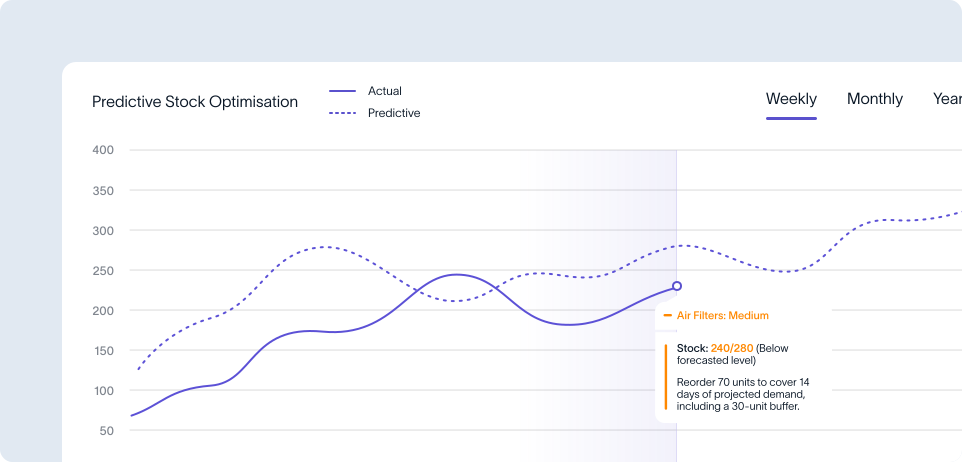
This kind of automation cuts down on repetitive admin and reduces the risk of human error. It also frees up time so you can focus on reviewing exceptions and understanding your cash position, instead of typing in transactions.
Maintain clear documentation
A strong reconciliation process always leaves a clear paper trail. Every reconciliation should show exactly how the balances were checked and how any differences were resolved.
This usually includes recording:
- Adjustments made to your accounting records
- Outstanding payments or deposits that have not cleared yet
- Notes or supporting documents explaining corrections
Keeping these records organised helps everyone understand what happened and why. It also makes internal reviews, tax preparation, and financial checks more straightforward.
Share responsibilities throughout the process
One of the easiest ways to strengthen financial controls is to make sure no single person handles the entire reconciliation process.
Under the best practice known as segregation of duties, the person who prepares the reconciliation should be different from the person who reviews or approves it.
This separation creates a second set of eyes and helps catch mistakes that might otherwise be missed, helping protect the business from both errors and fraud.
Keep reconciliation records audit-ready
When reconciliation records are organised properly, audits become far less stressful.
Instead of searching for documents at the last minute, everything is already in place. Plus, auditors or financial reviewers can quickly confirm that your accounts are accurate and properly managed.
More importantly, it gives business owners peace of mind that their cash position, financial reports, and tax records are reliable and up to date.
To stay audit-ready, make sure to:
- Store reconciliations in organised digital folders
- Use consistent file names and clear dates
- Include review notes or approval sign-offs
- Track outstanding items until they are cleared
Bank reconciliation FAQs
The standard bank reconciliation formula is:
Adjusted Bank Balance = Bank Statement Balance + Deposits in Transit − Outstanding Cheques
This calculation explains the difference between the balance shown on your bank statement and the balance recorded in your accounting system.
Bank reconciliations are usually prepared by a bookkeeper or accountant who manages the day-to-day financial records of a business.
In many businesses, the process works like this:
- A bookkeeper or staff accountant performs the reconciliation
- The finance manager or controller reviews and approves it
- The business owner or director monitors the final reports
This structure follows an accounting principle known as segregation of duties, where the person preparing the reconciliation is different from the person reviewing it to reduce the risk of errors or fraud.
Smaller businesses often handle reconciliations themselves or outsource the work to a professional bookkeeping service to ensure accuracy and save time.
A bank reconciliation statement is a financial document that compares your business bank statement with your internal accounting records.
Its purpose is to explain why the two balances differ and confirm that the adjusted balances are the same after timing differences and corrections are accounted for.
A typical reconciliation statement identifies items like:
- Deposits in transit
- Outstanding cheques
- Bank fees or interest not yet recorded
- Data entry errors
- Missing transactions
By documenting these differences, the reconciliation statement creates a clear audit trail that shows how your cash records were reviewed and verified.
For Australian businesses, this process is key to accurate financial reporting, tax compliance, and internal financial control.
If a transaction shows in your accounting records but not on the bank statement, it’s usually down to a timing difference.
Common reasons for this delay include:
- Deposits in transit that the bank hasn’t processed yet
- Outstanding cheques that haven’t been presented for payment
- Payments made from another account or in cash
- Data entry errors in the accounting system
The first step is to confirm whether the transaction has cleared the bank after the statement date. If it hasn’t, record it as a timing difference in the reconciliation.
If the transaction still can’t be explained, investigate further and correct the accounting record if necessary.
When the bank statement includes a transaction that doesn’t appear in your accounting records, it usually means something hasn’t been recorded in your books yet.
Common examples include:
- Bank fees or service charges
- Interest earned or charged
- Direct debits or automatic payments
- Customer payments received directly into the account
- Data entry errors or missed transactions
To fix this issue, identify the transaction and record it correctly in your accounting software. Once the entry is added, your bank balance and book balance should move closer to matching.
Regular reconciliation helps to flag these missing transactions quickly and keep your financial records accurate.
If you’re starting reconciliation for the first time or catching up on overdue accounts, it’s best to begin at the start of the financial year. This helps ensure your records are correct for financial reporting, BAS preparation and income tax obligations.
Most Australian businesses perform bank reconciliation every month, usually when the bank statement arrives. That said, the right frequency depends on how many transactions your business processes:
- Daily reconciliation: Suitable for high-transaction sectors like retail, hospitality, or e-commerce. Frequent checks help detect errors or fraud quickly and give an accurate view of cash flow every day.
- Weekly reconciliation: A great option for growing businesses with moderate transaction volume. It keeps records precise without the excessive workload.
- Monthly reconciliation: Common for smaller businesses with predictable activity. It fits neatly with BAS preparation, financial reporting, and month-end processes.
Some organisations also use automated or real-time reconciliation through accounting software and bank feeds. This approach continuously matches transactions as they come through, boosting accuracy while minimising manual work.
Absolutely. In fact, modern accounting software can strengthen financial control through automation.
Tools like bank feeds, automated transaction matching, and rule-based categorisation allow many transactions to reconcile automatically. Instead of manually checking every line, accountants can focus on reviewing exceptions.
This automation has plenty of benefits, including:
- Fewer manual data entry mistakes
- Faster reconciliation process
- Improved visibility of cash flow in real time
- A clear digital audit trail
Paired with proper review procedures and access controls, automated reconciliation can make your financial systems more accurate, transparent, and secure than manual processes.
Simplify reconciliation with Pulse Financials
Bank reconciliation is a core accounting task for any business. Done properly, it keeps financial records accurate, improves visibility, and grounds decisions in reliable data.
However, manual reconciliation can stand in the way of a growing business. As transaction volumes increase, comparing bank statements with accounting records line by line becomes slow, repetitive, and more prone to errors.
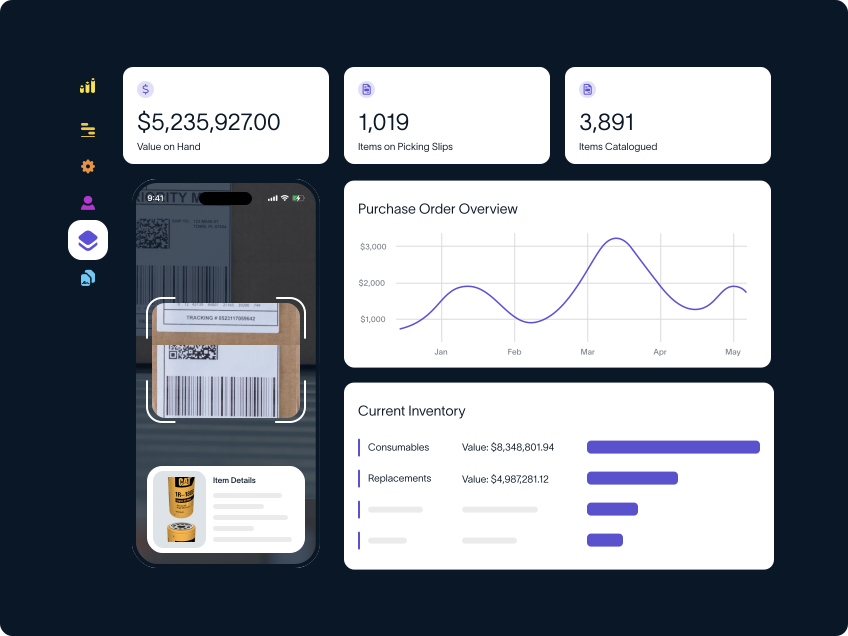
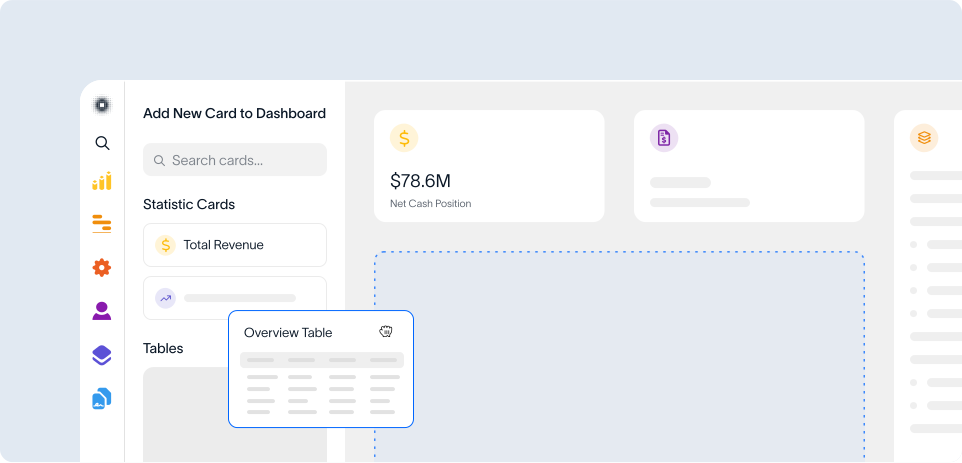
Thankfully, Pulse Financials streamlines the entire process, helping you track transactions, balances and reconciliations in one place.
Featuring multi-currency support, built-in validation, and seamless integration with other ERP modules, this automated bank reconciliation software reconciles statements in industry-standard formats to highlight discrepancies early.
That means your finance team can save time, improve accuracy, and stay in control of cash flow. To get started, request a free demo today.